This notice is for account (location) holders who use our built-in phone system. If you manage your phone number and calling features through us, it applies to you.
Your account includes a set of secure API keys. Please don't edit, regenerate, rotate, or delete them. Doing so can interrupt your calling and messaging features until we restore them. If you think a key needs to change, contact our support team first.
What These API Keys Are
Think of them as a secure ID badge that lets our system connect to your phone service. Every time you make a call, take a call, or send a picture message, that badge is quietly used behind the scenes to confirm the request really comes from your account.
You don't need to manage these keys. We set them up and keep them working in the background, so your phone features just work.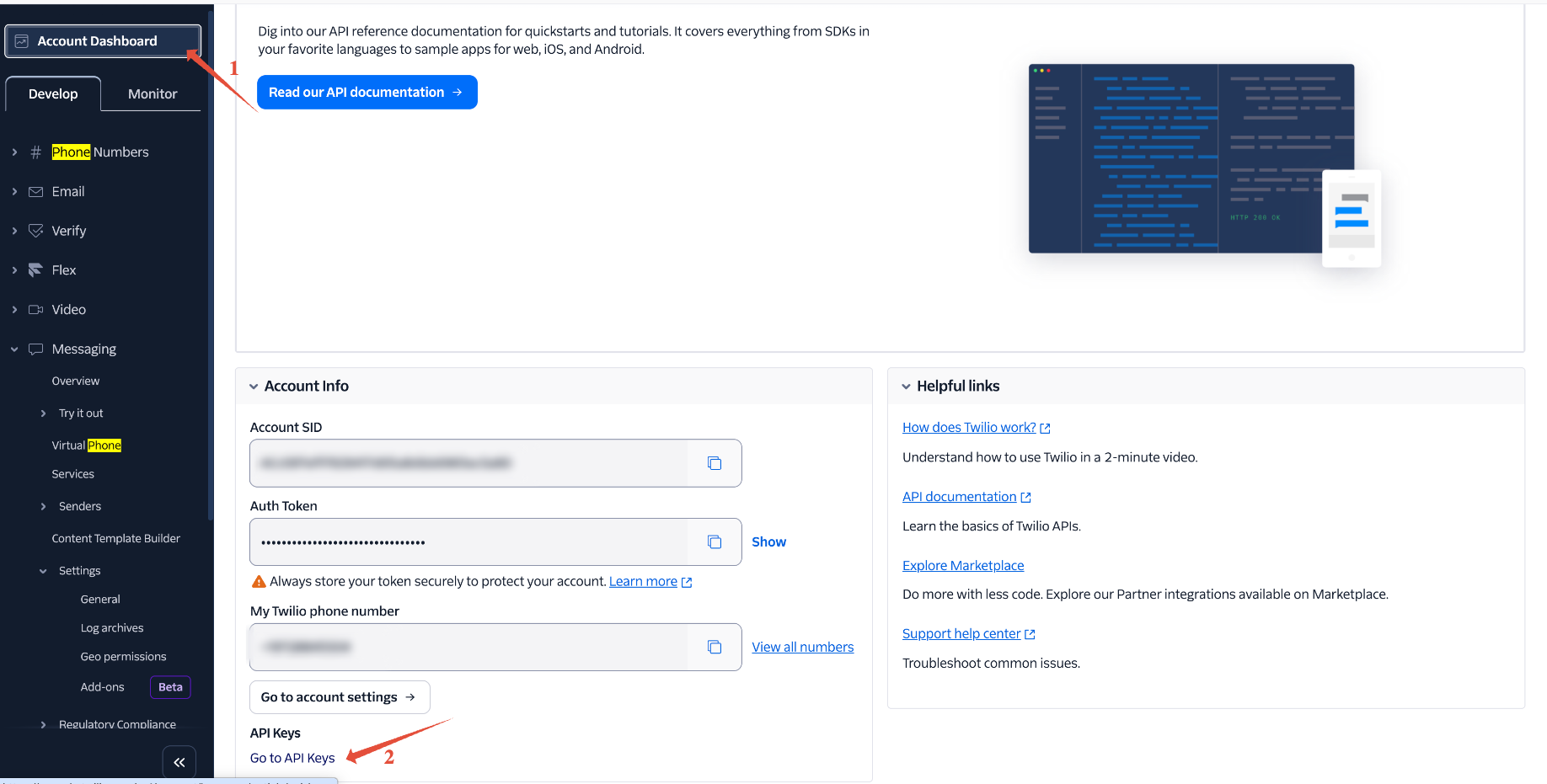
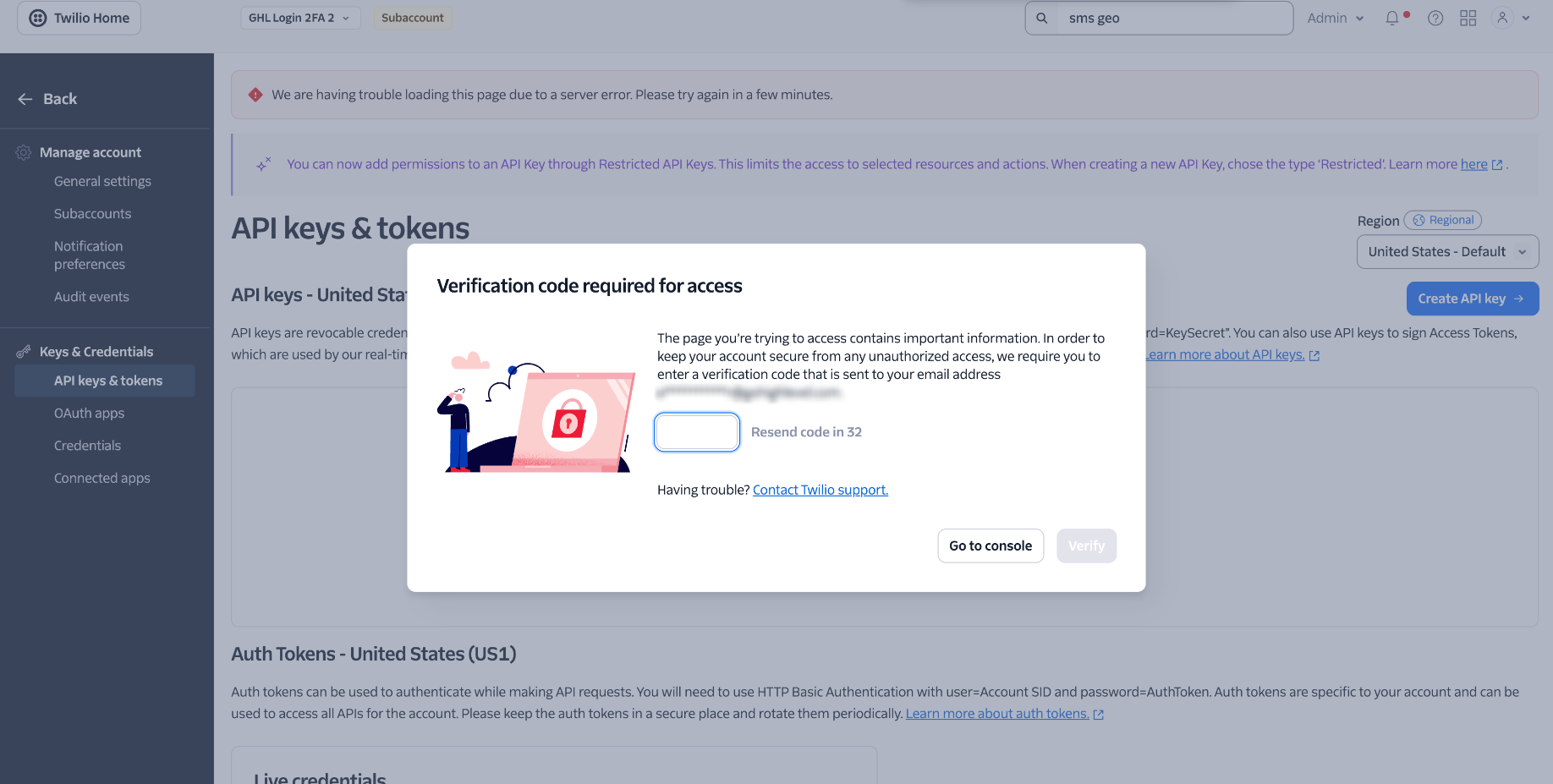
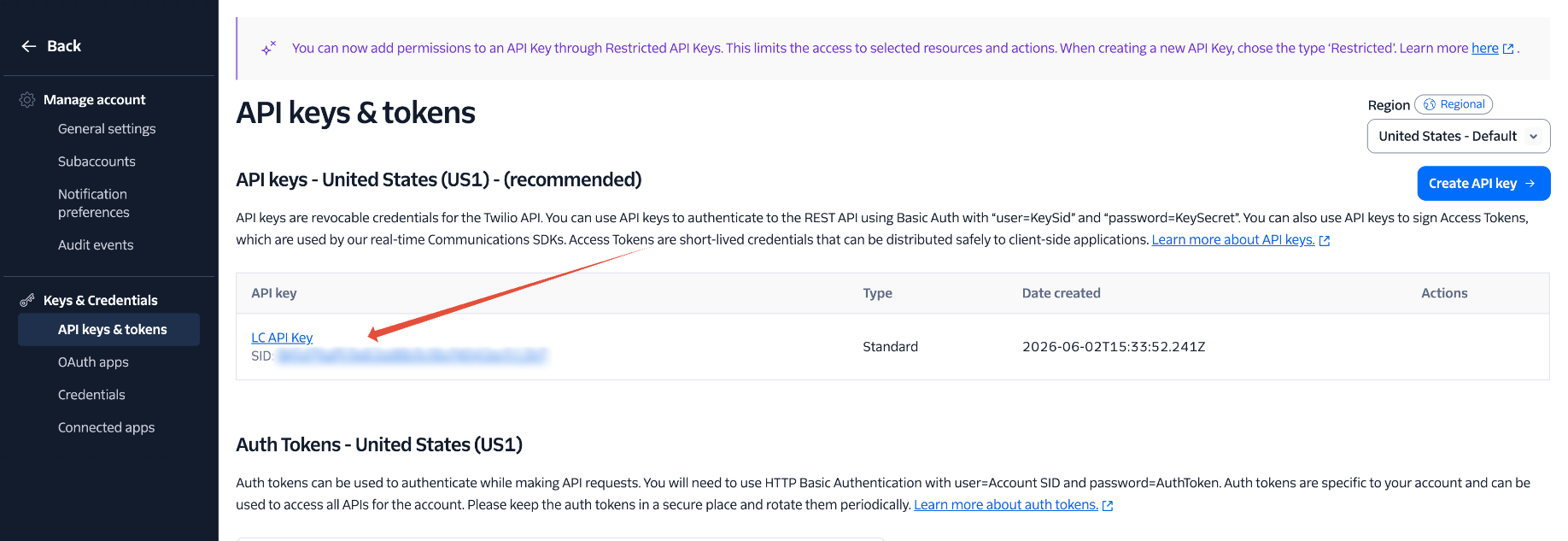
Why Changing Them Causes Problems
The keys are what let your account connect to the phone service. If they're changed or removed, the system can no longer verify that connection, so any feature that depends on it stops working until new keys are created and synced.
Because the same keys are shared across your whole account, an interruption can affect your entire team, not just one user.
What Stops Working If the Keys Change
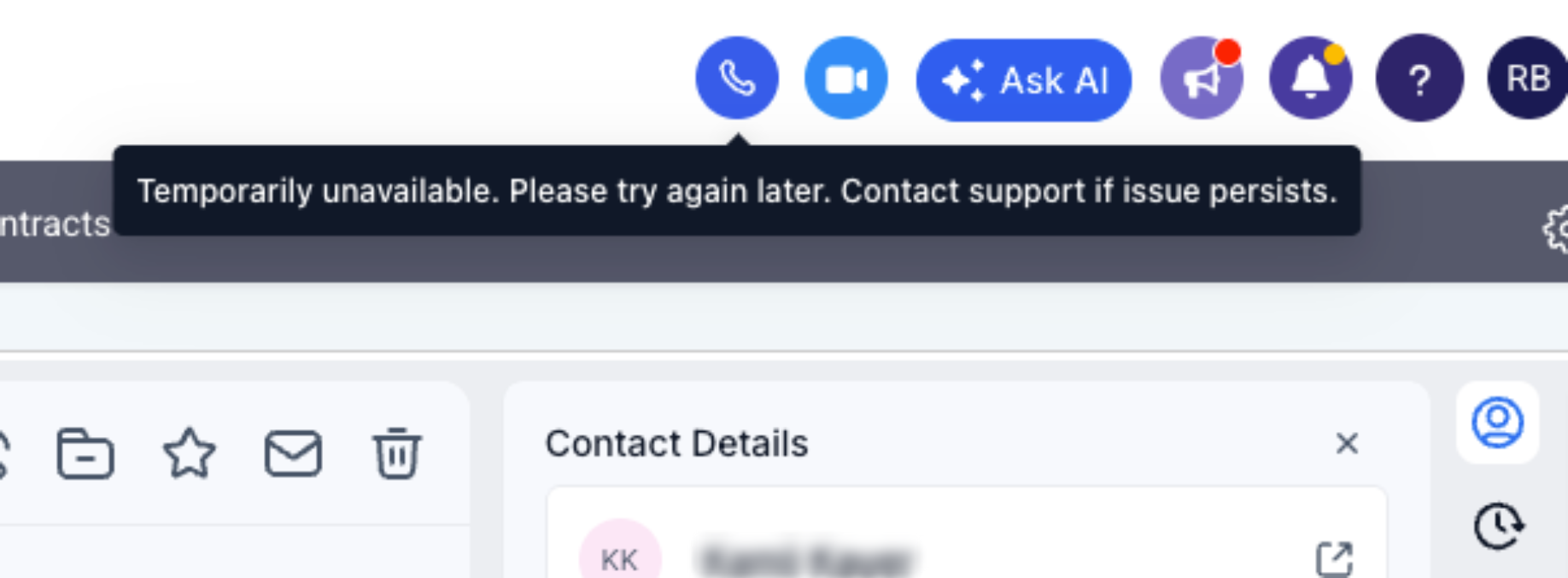
If the keys are edited, regenerated, or deleted, these services (Including but not limited to) are affected:
| Service | What You'll Experience |
|---|---|
| In-app dialer / softphone | The dialer won't connect, so you can't place or take calls from it. |
| Outbound calls | Calls from the web and mobile apps fail to connect. |
| Inbound calls | Incoming calls may stop ringing through to your app. |
| Picture / MMS messages | Images may fail to send or fail to load in conversations. |
| Mobile app calling | The calling experience on the mobile app is interrupted. |
| Overall phone system | You may see general phone system errors until the keys are restored and re-synced. |
What to Do
Leave the keys as they are — there's nothing you need to do to keep them working.
Contact support first if you believe a key needs to be changed, rotated, or removed for a security or compliance reason. We can do that safely without breaking your service.
Don't regenerate, rotate, edit, or delete any auto-created key yourself.
If a Key Was Already Changed
If your calling or messaging stopped working after a change, reach out to our support team. In most cases we can regenerate and re-sync the keys and restore service quickly.
If you're ever unsure whether a change is safe, ask us before making it. We'd much rather prevent an outage than fix one.
Frequently Asked Questions
Was this article helpful?
That’s Great!
Thank you for your feedback
Sorry! We couldn't be helpful
Thank you for your feedback
Feedback sent
We appreciate your effort and will try to fix the article