TABLE OF CONTENTS
- What is Agent Studio Public API?
- Key Benefits of Agent Studio Public API
- List Agents API
- Get Agent API
- Execute Agent API
- OAuth Authentication
- PIT Integrations
- How To Set Up Agent Studio Public API
- Frequently Asked Questions
- Related Articles
What is Agent Studio Public API?
A Public API (Application Programming Interface) is a secure way for external applications to communicate with HighLevel. In Agent Studio, the Public API allows your software to list, retrieve, and execute production-ready AI agents programmatically without logging into the HighLevel dashboard.
Your application sends secure HTTP requests to HighLevel’s servers, which run the selected agent and return a structured JSON response. Each request is tied to a specific sub-account (location) and must include proper authentication using OAuth 2.0 bearer tokens or a Private Integration Token (PIT). Only agents that are Active in the Production lifecycle stage can be accessed through the Public API.
Key Benefits of Agent Studio Public API
- Embed AI agents inside mobile apps, SaaS platforms, voice assistants, or internal tools.
- Trigger complex agent workflows from external automations (Zapier, Make, Airflow, etc.).
- Centralize security with OAuth 2.0 and scoped access tokens.
- Leverage PIT Integrations to run agents inside your own environment while respecting data-privacy rules.
- Return rich, structured JSON so downstream systems can parse results without extra NLP.
Manage Agents with Public APIs
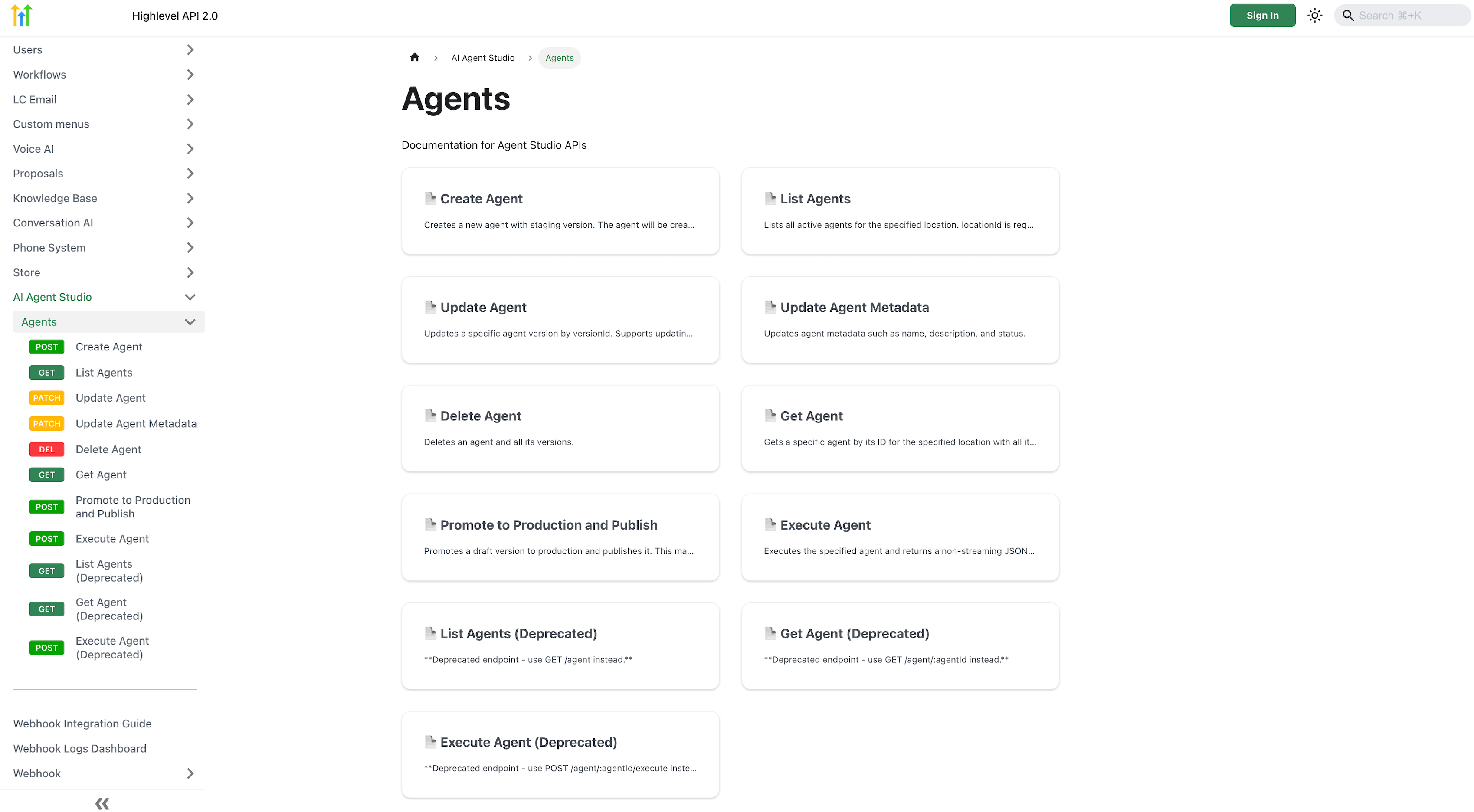
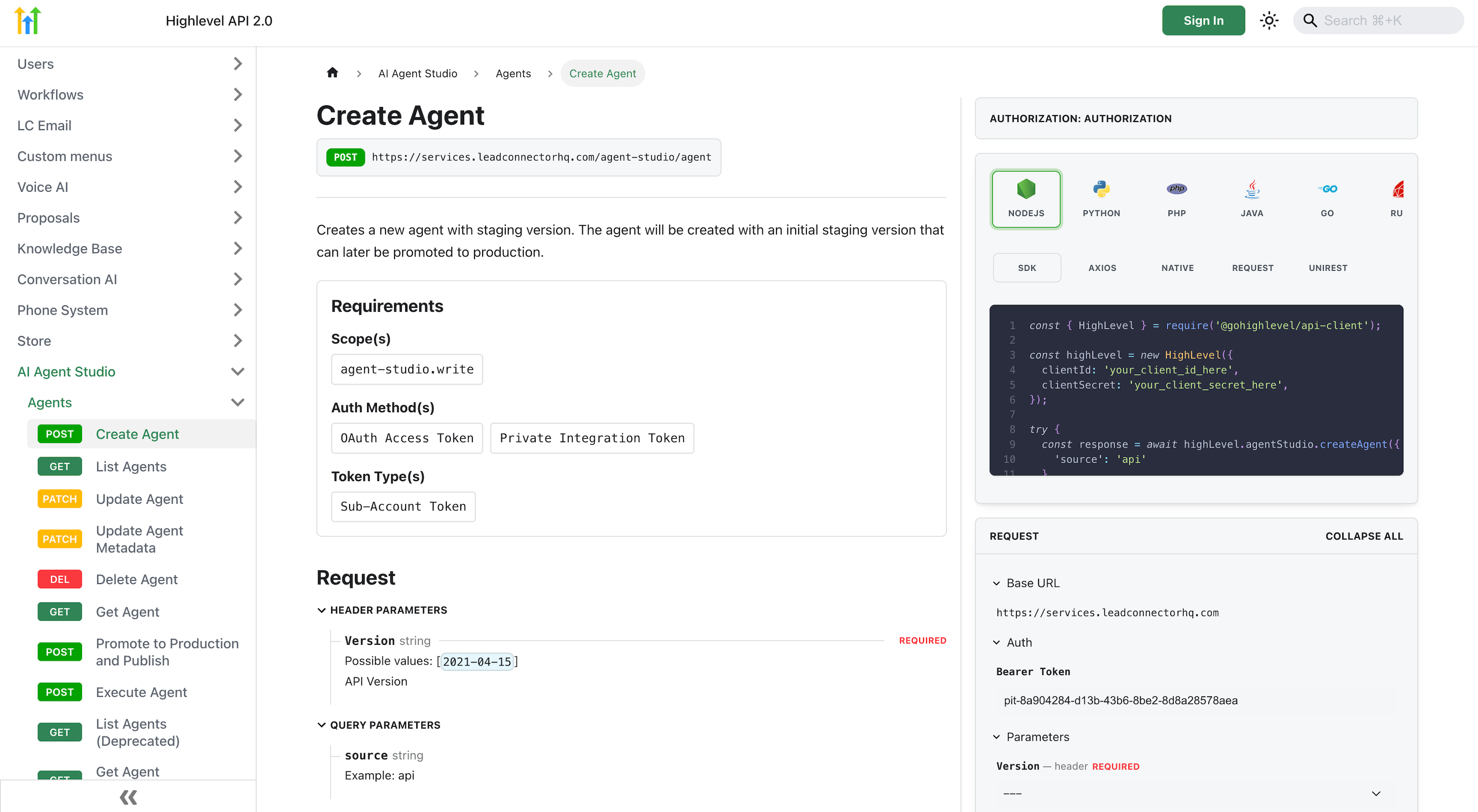
Agent Studio Public APIs now support full agent management, making it possible to create, retrieve, update, publish, execute, and delete agents programmatically. This gives API-first users a more complete way to manage agents without relying only on the Agent Studio UI.
Public API support now covers the core agent lifecycle, helping teams automate agent operations inside their existing platforms and workflows.
Supported Agent Management Actions
You can now use public APIs for these Agent Studio actions:
- Create Agent
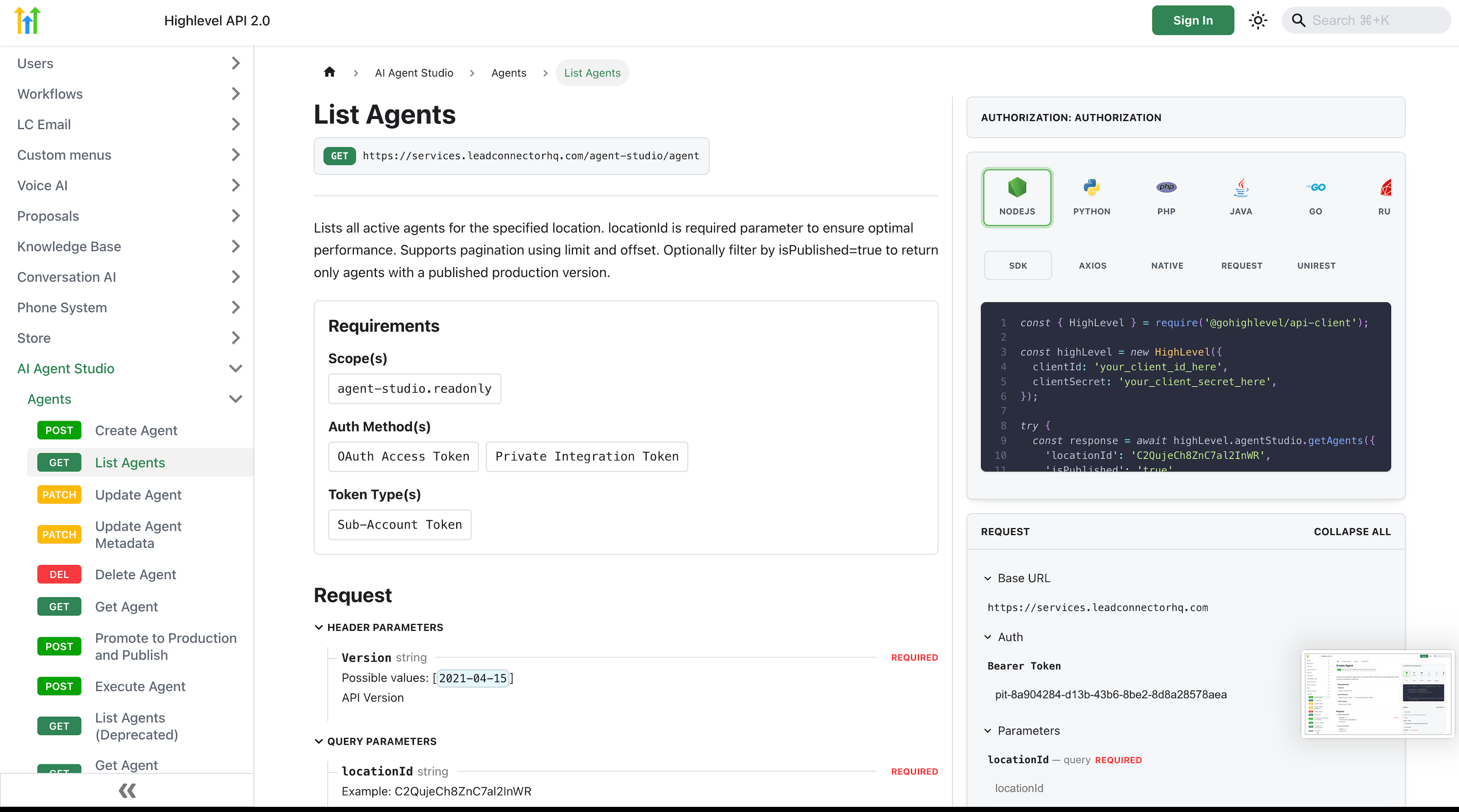
- List Agents
- Get Agent
- Update Agent
- Update Agent Metadata
- Delete Agent
- Promote to Production and Publish
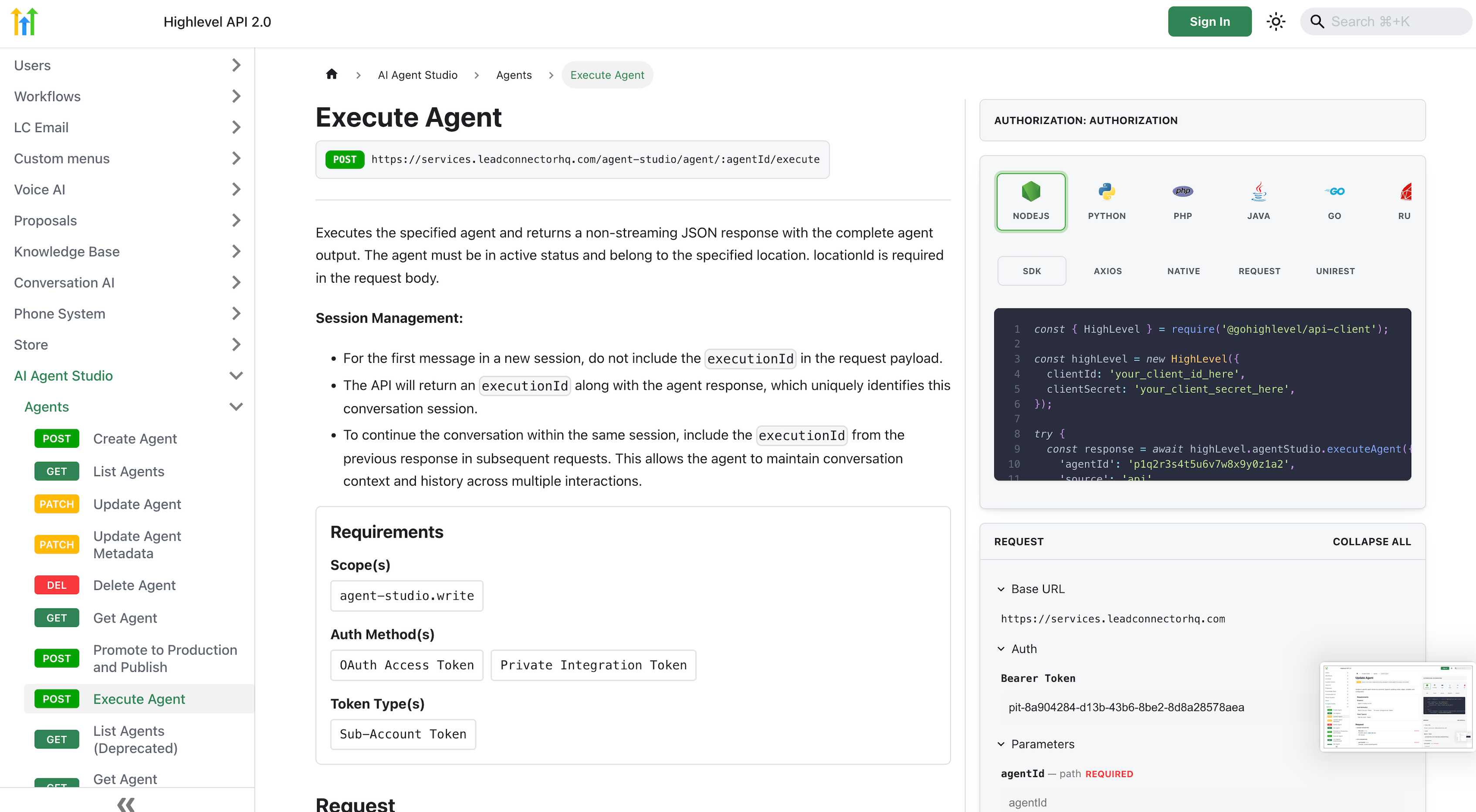
- Execute Agent
Depending on the endpoint, requirements may vary for scopes, location context, and request parameters. In general, read actions use read-only access while create, update, publish, execute, and delete actions require write access.
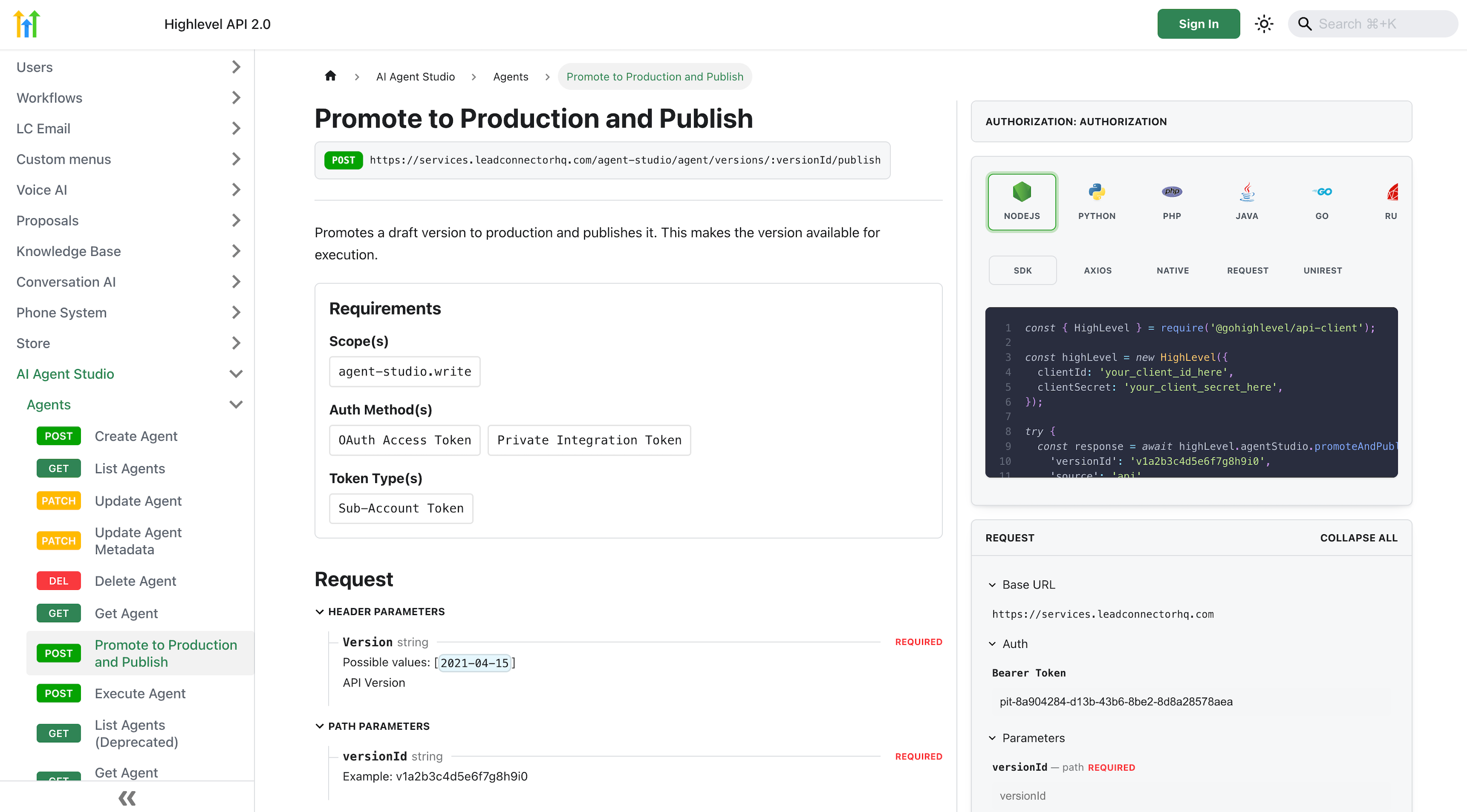
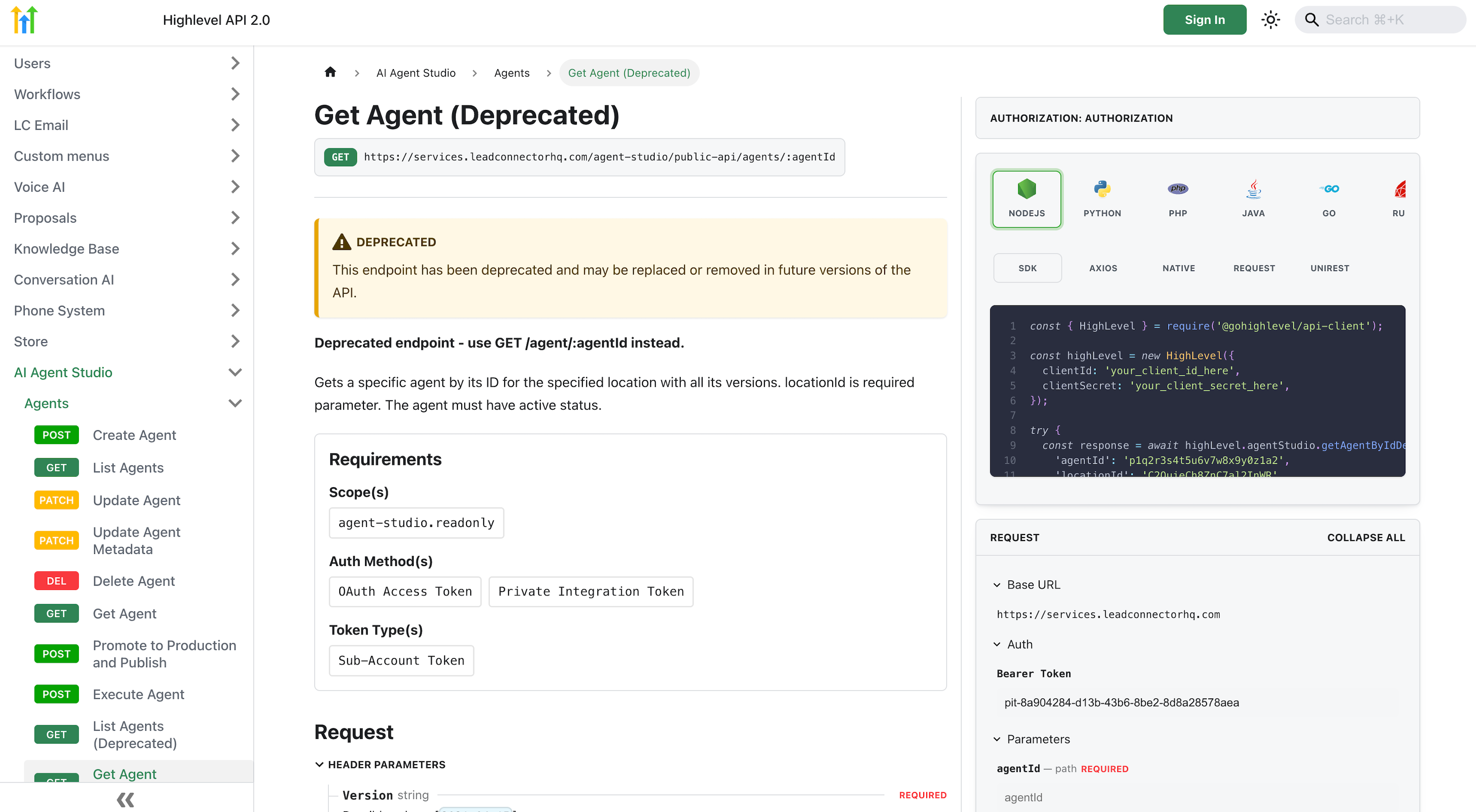
Deprecated Endpoints and Migration Guidance
Some legacy Agent Studio public endpoints remain available and are marked as deprecated for backward compatibility.
For new development, use the current public endpoints instead of deprecated ones. Deprecated endpoints may be replaced or removed in future API versions, so newer integrations should be built against the active Agent Studio API routes.
If you currently rely on deprecated endpoints, review the latest Agent Studio API documentation and migrate to the updated endpoints where available.
List Agents API
- Method: GET /agent-studio/public-api/agents
- Required query param: locationId
- Optional pagination: limit, offset
- Typical use: show a dropdown of available agents in your app.
Get Agent API
- Method: GET /agent-studio/public-api/agents/{agentId}
- Required query param: locationId
- Returns: name, status, tool-nodes, variables, lifecycle stage, and more.
- Typical use: display agent details before execution or inspect variables.
Execute Agent API
- Method: POST /agent-studio/public-api/agents/{agentId}/execute
- Body: { locationId, input, executionId? }
- First call omits executionId; response returns executionId so you can continue the same conversation thread in subsequent calls.
- Typical use: deliver instant results (e.g., “Summarize this PDF” or “Generate ad copy”).
OAuth Authentication
PIT Integrations
How To Set Up Agent Studio Public API
- Enable AI Agents → Agent Studio in your sub-account (must have agents in “Production”).
- Go to Settings → Developer and create a Private Integration or OAuth App.
- Copy the Client ID and Client Secret (OAuth) or PIT value (Private Integration).
- b. Store the access token securely; refresh it as needed.
- Test the connection with List Agents:
- curl -H "Authorization: Bearer {token}" "https://services.leadconnectorhq.com/agent-studio/public-api/agents?locationId={locationId}"
- Parse the response and save the agentId(s) you intend to run.
https://services.leadconnectorhq.com/agent-studio/public-api/agents/{agentId}/execute
Frequently Asked Questions
Q: Is there a rate limit?
Yes. Each sub-account is limited to 300 API requests per minute across all Agent Studio endpoints.
Related Articles
Was this article helpful?
That’s Great!
Thank you for your feedback
Sorry! We couldn't be helpful
Thank you for your feedback
Feedback sent
We appreciate your effort and will try to fix the article