1. Introduction
The Fathom integration allows you to automatically access meeting recordings, transcripts, and summaries inside workflows.
With this integration, you can:
- Fetch meeting transcripts and summaries
- Retrieve recordings data
- Trigger workflows when new recordings are available
This helps automate post-meeting workflows like follow-ups, CRM updates, and note processing.
2. Available Triggers & Actions
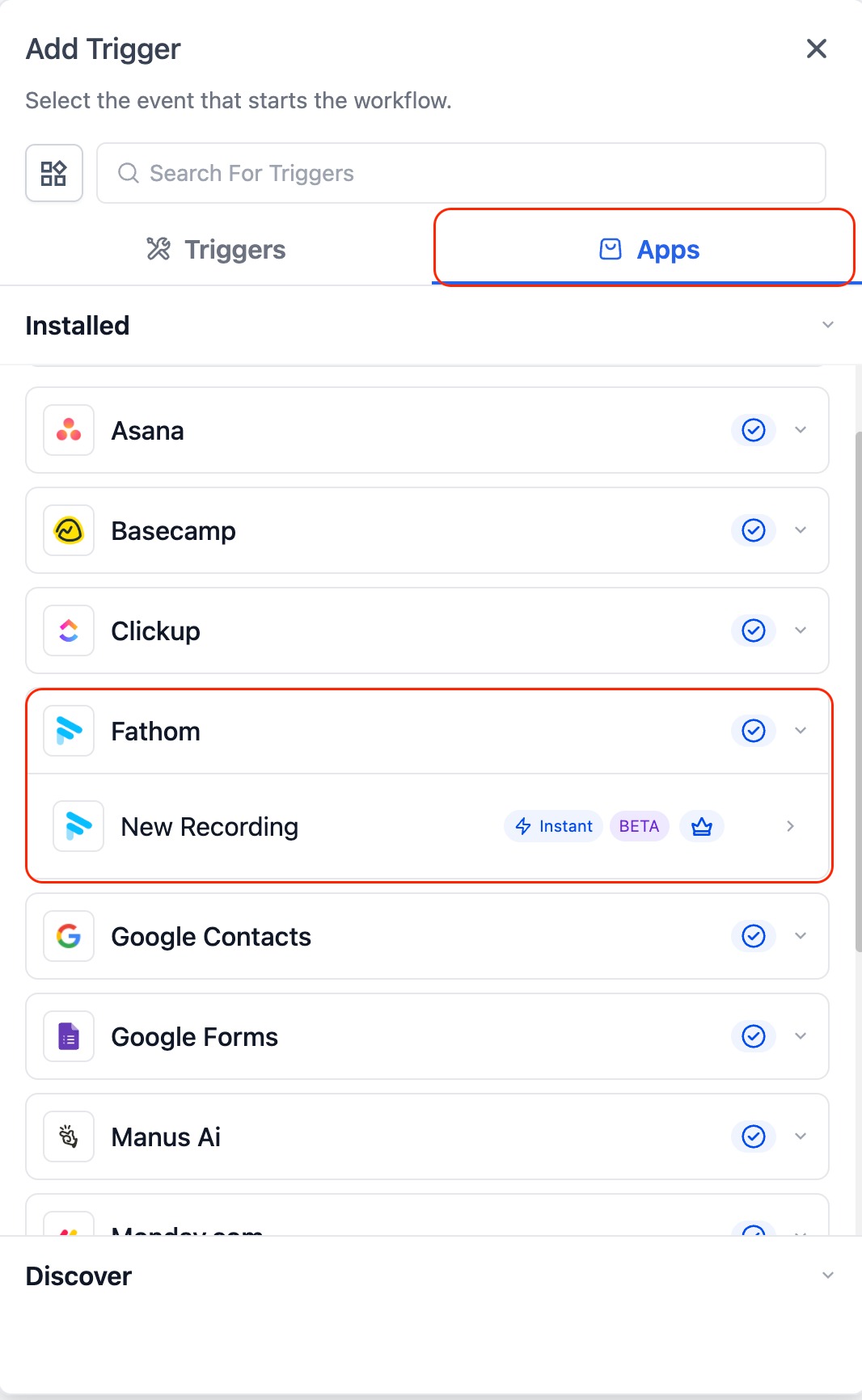
Triggers
These are events in Fathom that can initiate a workflow:
- New Recording
Triggers when a new meeting recording is available in Fathom.
Actions
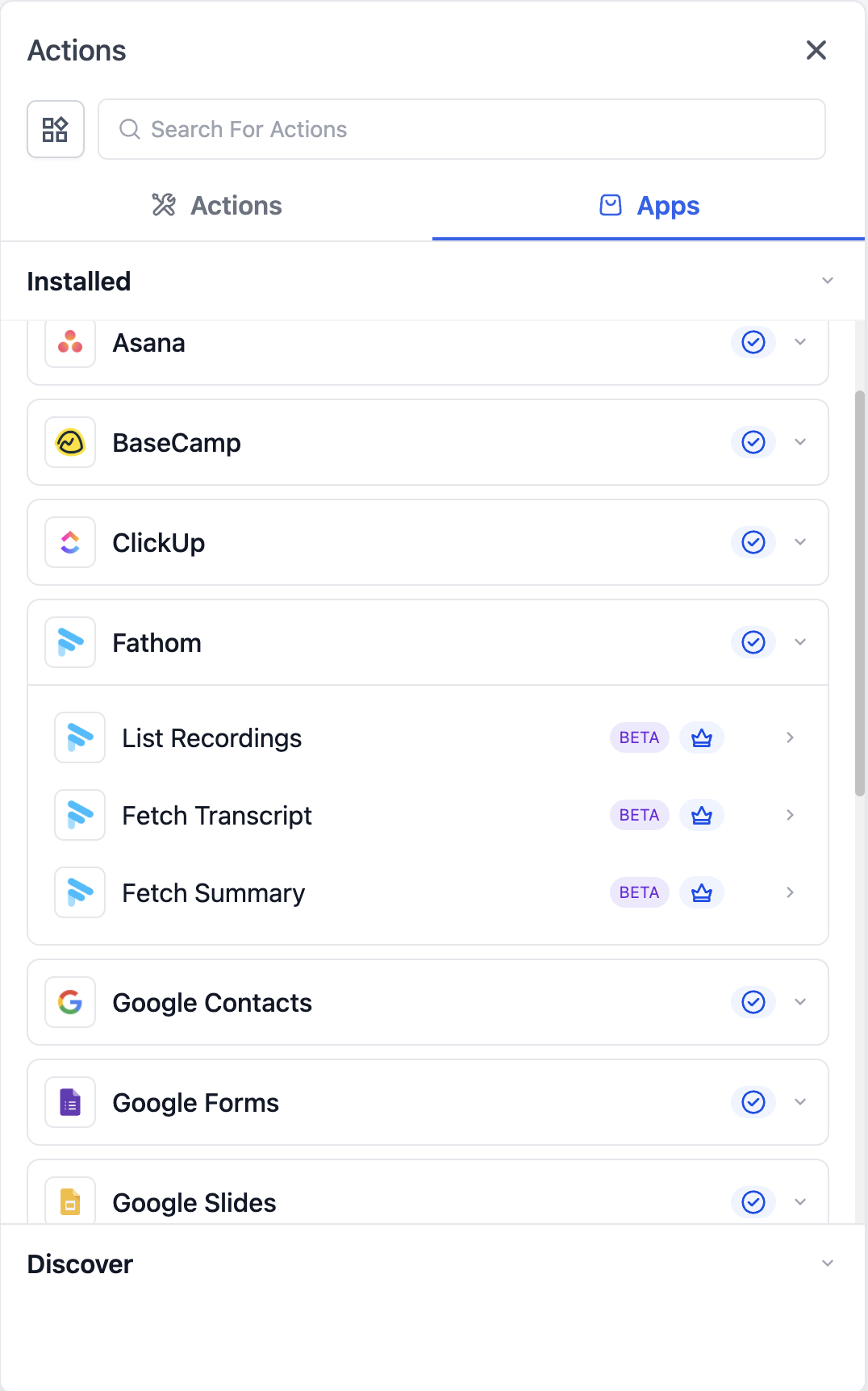
These are actions workflows can perform using Fathom:
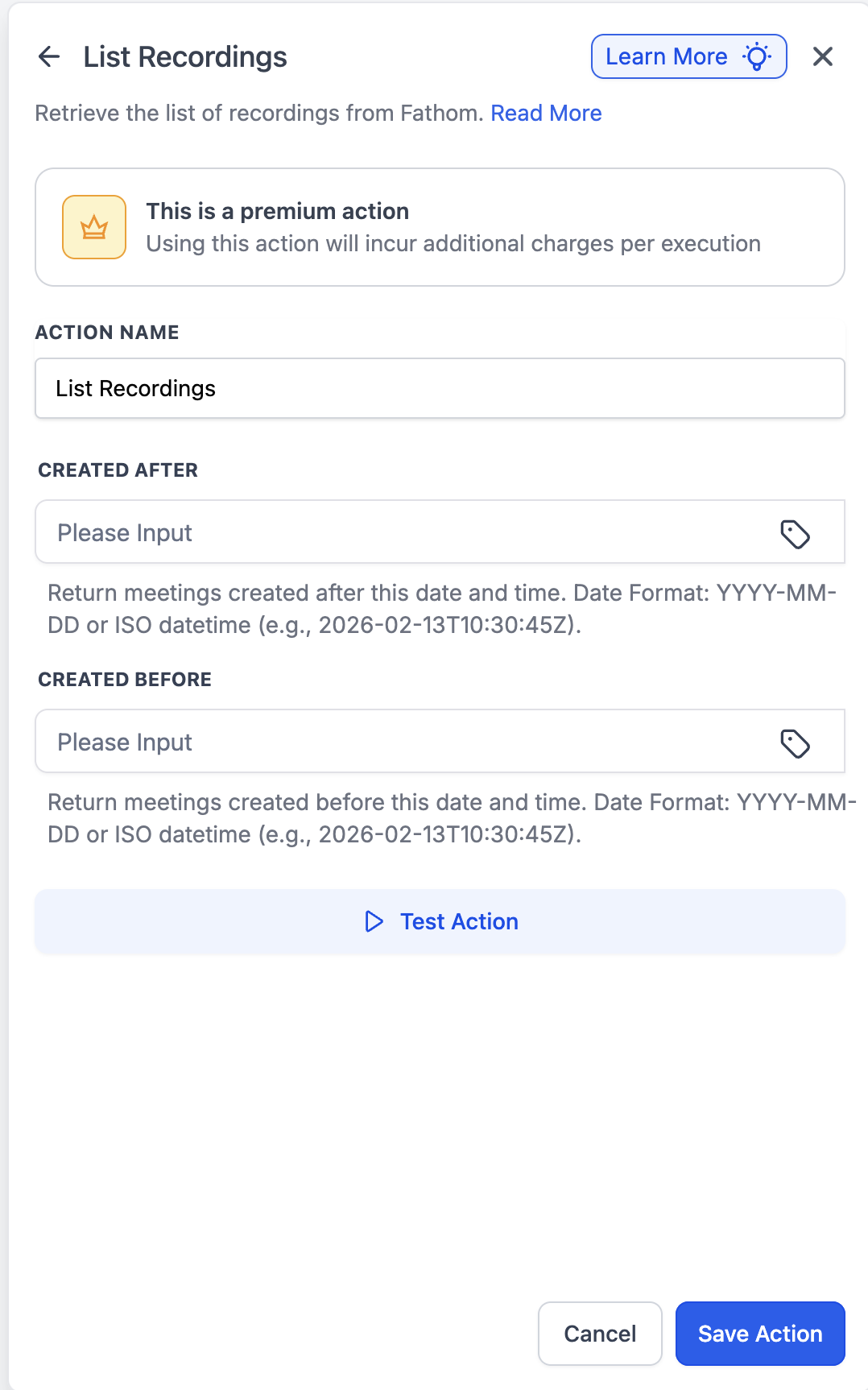
- List Recordings
Retrieves a list of available meeting recordings for the connected user - Fetch Transcript
Retrieves the transcript for a selected recording - Fetch Summary
Retrieves the AI-generated summary for a selected recording
3. Getting Started with Fathom in Workflows
Add Fathom to a Workflow
- Open the Workflow Builder
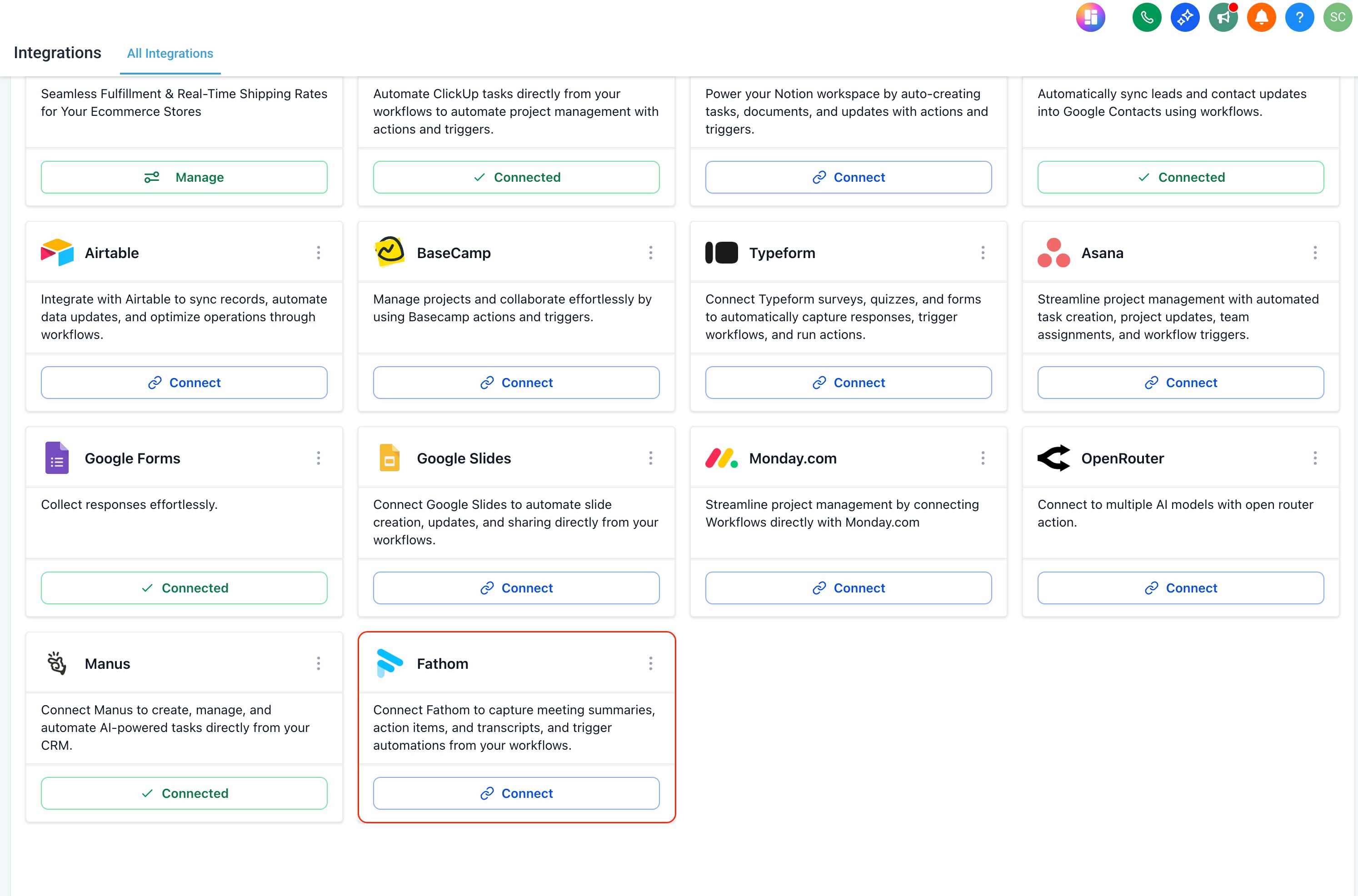
- Search for Fathom
- Select a trigger or action (e.g., New Recording, Fetch Transcript)
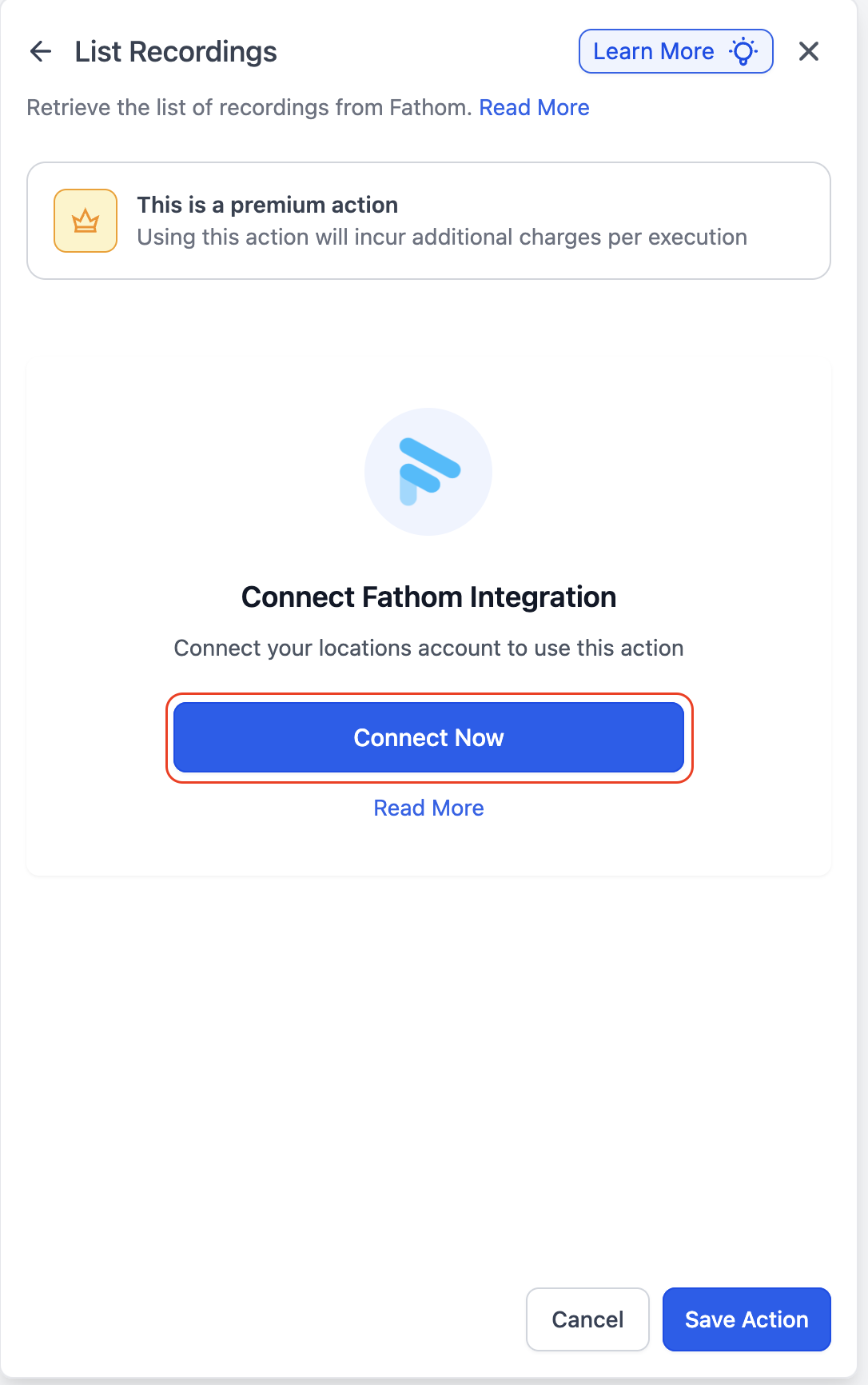
Connect Your Account
- If your Fathom account is already connected, configuration options will appear automatically
- If not, click Connect Now and sign in using your Fathom login
Alternative Method
- Go to Settings → Integrations
- Find Fathom and connect your account
Once connected, you can access meeting recordings, transcripts, and summaries inside workflows.
4. How Do Fathom Triggers Work?
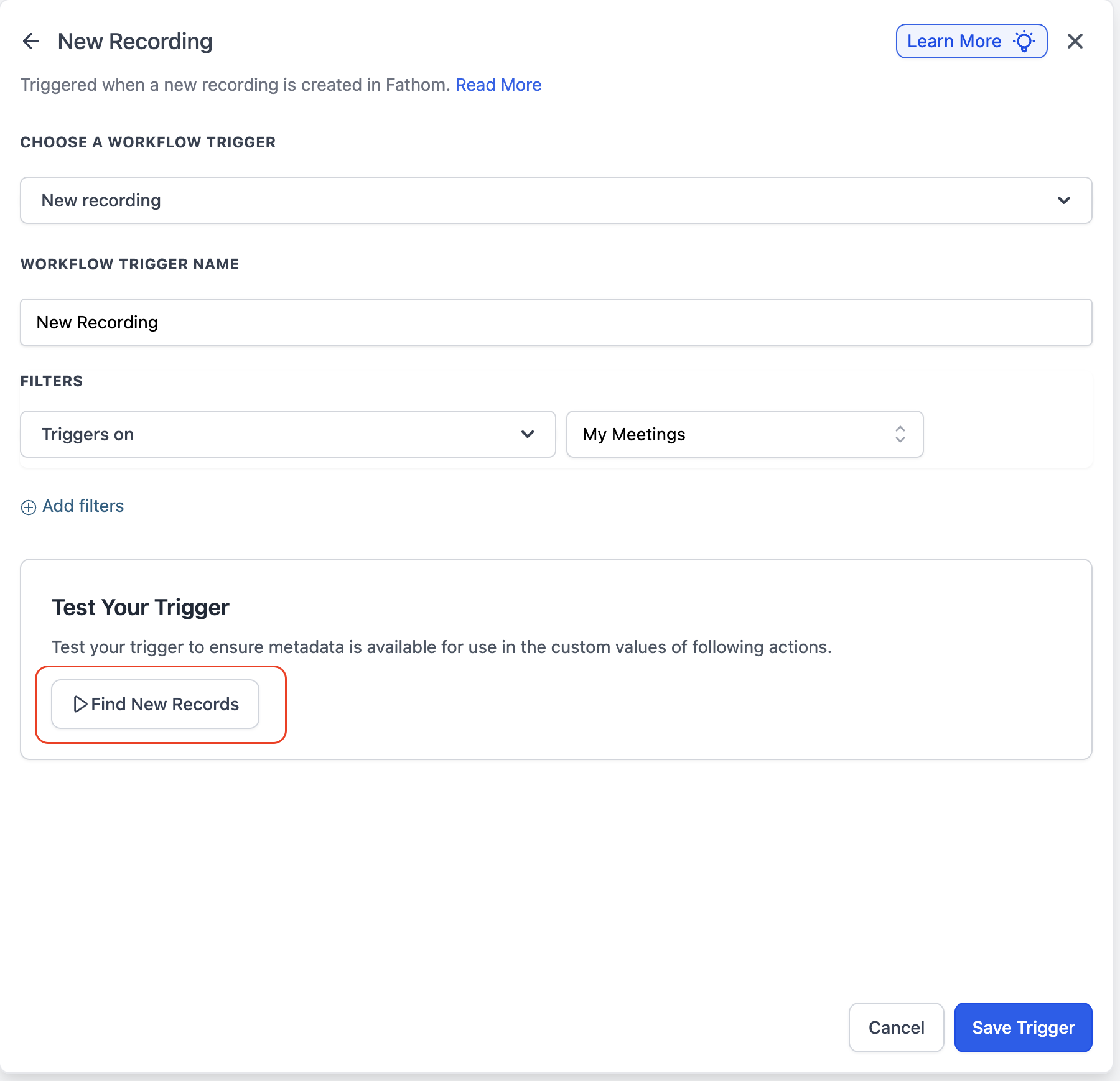
- The New Recording trigger fires when a meeting is recorded and processed
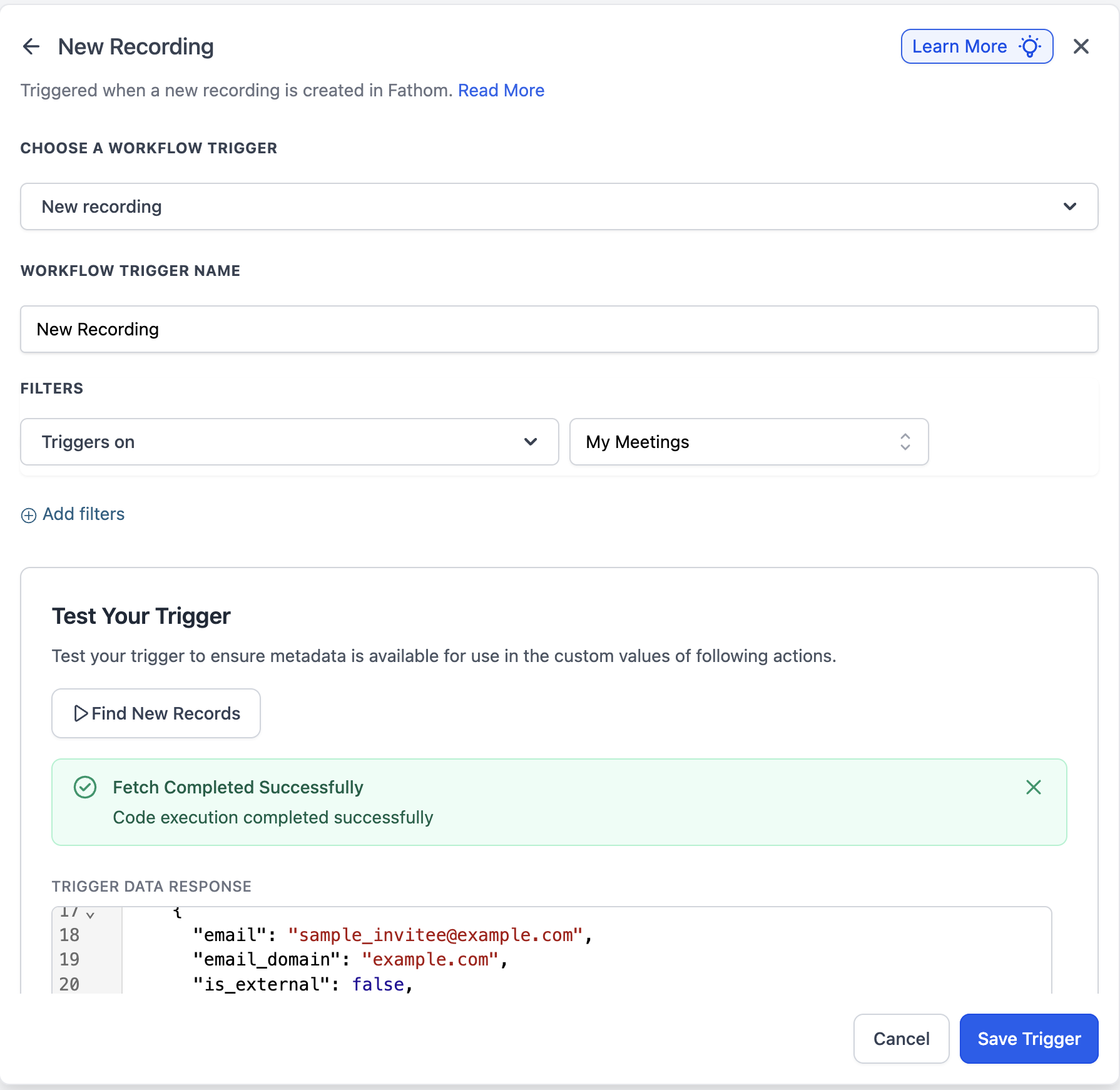
- The trigger includes metadata such as:
- Recording ID
- Meeting details
- Transcript and more
- Use the Test Trigger option to fetch the full schema
5. Common Use Cases
1. AI-Powered Follow-Up Email After Sales Calls (with Competitor Context)
Problem:
Sales follow-ups are often inconsistent in quality and timing. Emails may lack personalization, fail to reflect the actual conversation, and do not account for competitors mentioned during the call—resulting in weaker positioning and lower conversion rates.
Workflow:
- Trigger: Fathom – New Recording
- Action: Fetch Transcript
- Action: Manus – Competitor Analysis
- Action: AI ( AI / OpenAI)
- Action: Send Email
What happens:
- Transcript is analyzed to identify competitors mentioned
- Manus enriches this with competitor insights
- AI generates a personalized follow-up email with strong positioning
- Email is sent automatically
AI Prompt (Follow-Up Email with Competitor Context):
You are a sales assistant.

Based on the following call transcript and competitor analysis, write a personalized follow-up email.

Include:
- A brief thank you
- Key points discussed
- Any objections or concerns mentioned
- Clear next steps
- Subtle positioning that differentiates us from competitors mentioned

When referencing competitors:
- Do NOT criticize competitors directly
- Highlight our strengths in a professional and confident manner
- Address any concerns raised during the call

Keep the tone professional, concise, and friendly.

Transcript:
{{transcript}}

Competitor Insights:
{{competitor_analysis}}
AI Prompt (Competitor Extraction & Analysis – Manus):
Analyze the following call transcript.

1. Identify any competitors mentioned.
2. For each competitor, provide:
   - Competitor name
   - Context in which they were mentioned
   - Perceived strengths
   - Possible weaknesses or gaps we can differentiate on

Return structured output.

Transcript:
{{transcript}}
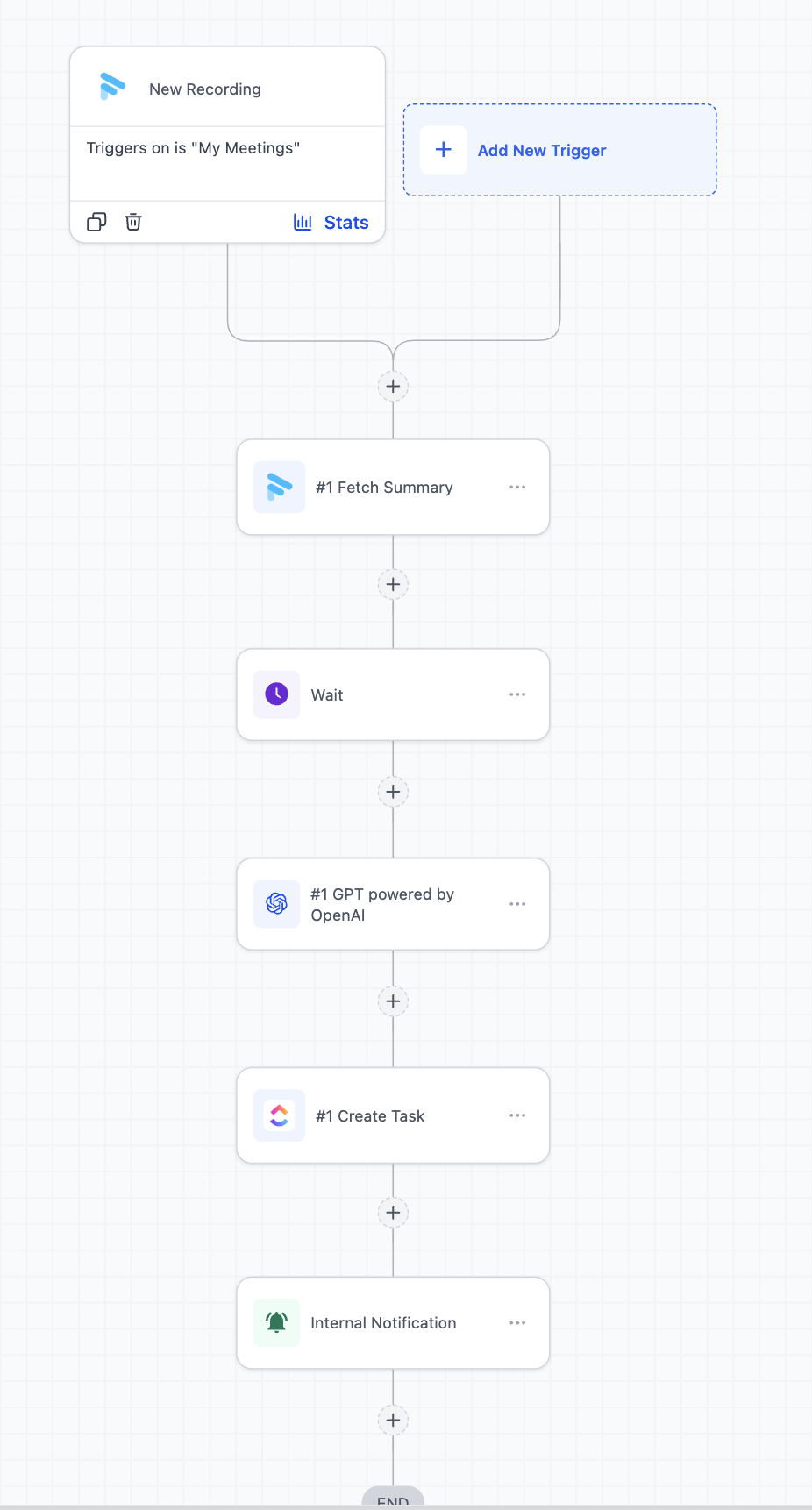
2. Client Call → Auto Summary + Task Assignment
Problem:
Action items and decisions from client calls are not consistently documented or tracked, leading to missed deliverables, unclear ownership, and inefficient execution.
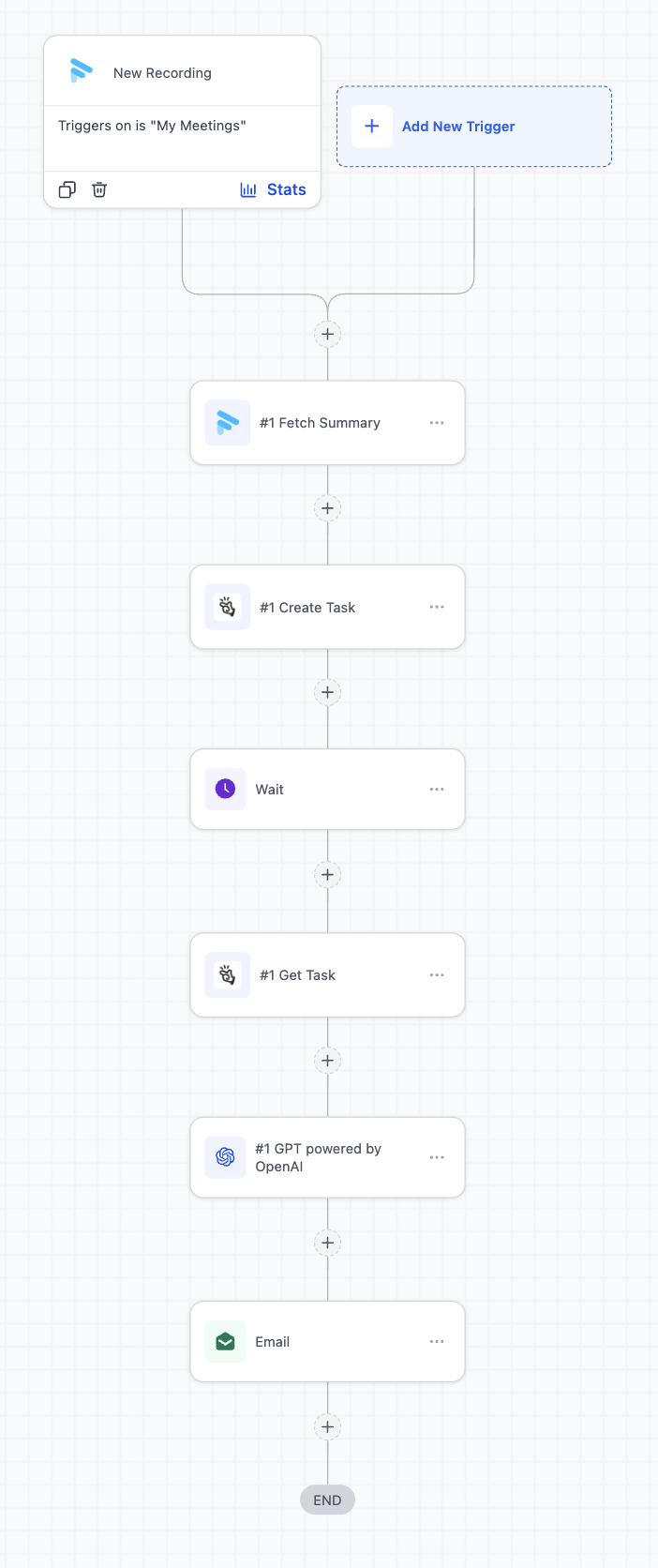
Workflow:
- Trigger: Fathom – New Recording
- Action: Fetch Summary
- Action: AI (extract action items)
- Action: Create Task (ClickUp)
- Action: Send Internal Notification (GHL)
What happens:
- Meeting summary is generated
- AI extracts structured action items
- Tasks are created in ClickUp
- Internal notification is sent to the team
6. FAQs
1. When does the “New Recording” trigger fire?
The trigger fires after the meeting recording is processed and available in Fathom. This may take a few minutes after the call ends for the summary to be processed.
2. Can I map Fathom recordings to contacts in HighLevel?
Yes, but mapping is not automatic. You can match contacts using participant details (such as email) within your workflow.
3. Is Fathom a premium action in workflows?
Yes. Fathom actions (such as fetching transcripts, summaries, or recordings) are considered premium workflow actions and will be charged at default rate per execution.
Was this article helpful?
That’s Great!
Thank you for your feedback
Sorry! We couldn't be helpful
Thank you for your feedback
Feedback sent
We appreciate your effort and will try to fix the article