The QR Code Features landing page gathers everything you need to know about QR Codes into one place.
Navigate to Sites > QR Codes. When you don't have any QR Codes yet, this section will display the landing page.
- Create: Follow the built-in workflow to make a QR code quickly or obsess over all the details.
- Types: Create QR codes for websites, forms, SMS, calls, email, payments, and more — all in one place.
- Bulk: Create hundreds of QR codes in seconds with a single CSV upload. Perfect for handling large campaigns, teams, or projects at scale.
Analytics: Track total and unique QR scans, analyze scan activity by device type and browser, and view geographic insights by country, state, and city. Review supported historical scan data from August 28, 2024, onward. For detailed instructions, see How to Use Site and Funnel Analytics in HighLevel.
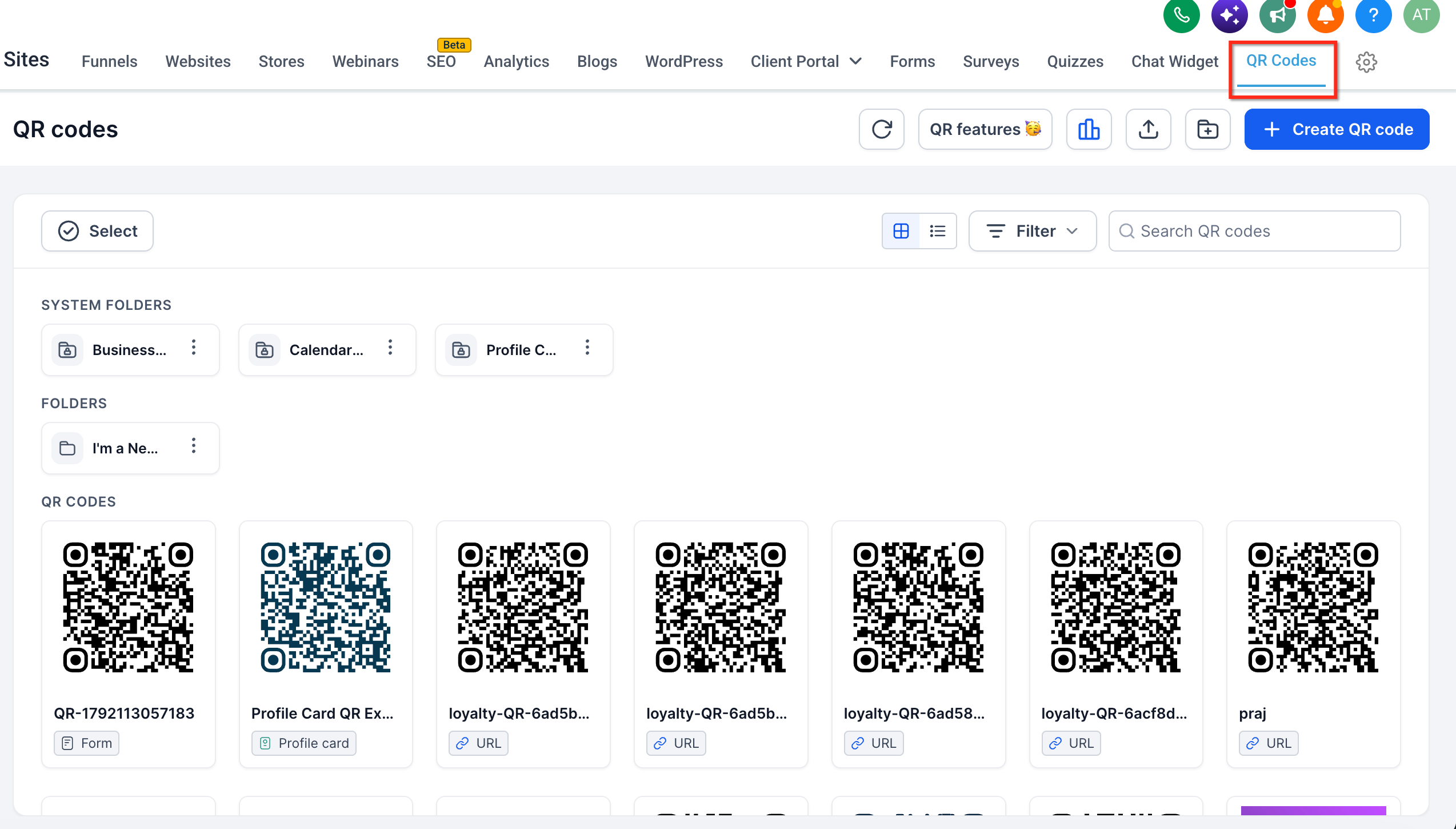
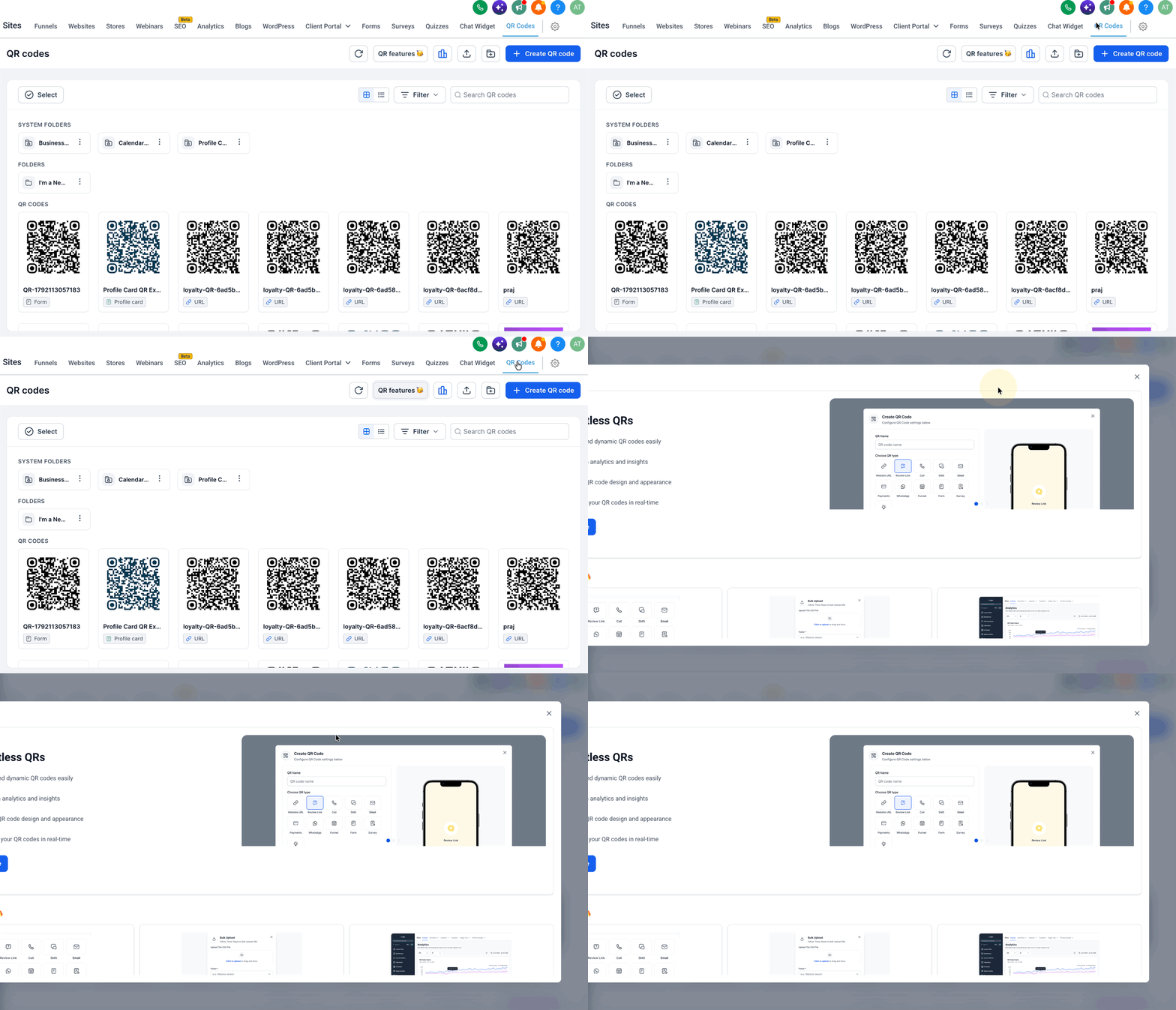
When you have one or more QR Codes, this section will display your QR Code library. Click on the QR Features button to bring up the landing page again in a modal.
Was this article helpful?
That’s Great!
Thank you for your feedback
Sorry! We couldn't be helpful
Thank you for your feedback
Feedback sent
We appreciate your effort and will try to fix the article